
Thank you for taking the time to leave your review on Amazon!
CLICK HERE to go straight to Fate’s Keep on Amazon.

First time leaving a review and unsure about what’s involved?
No problem, here’s everything you need to know
1. Go to www.Amazon.com and login.
2. To be considered a verified reviewer on Amazon, you need to have purchased one item from Amazon in the past.
3. Search for the “Title by Author” in the search bar. In this case, Fate’s Keep by T. Rae Mitchell. Or return to this page and CLICK HERE.

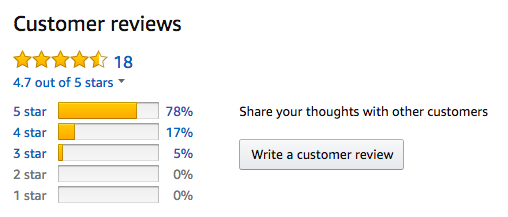
4. Once you’ve found Fate’s Keep, scroll down to “Customer Reviews” and click on “Write a customer review”.
Have you considered leaving a review on Goodreads?
1. Go to www.goodreads.com and login or create a new account: https://www.goodreads.com/user/create.
2. Search for the “Title by Author” in the search bar. In this case, Fate’s Keep by T. Rae Mitchell. Or return to this page and CLICK HERE.

3. Once you have found the book click on it.
4. A New page will load. Rate the book with a star number underneath the book cover. Refresh the page.
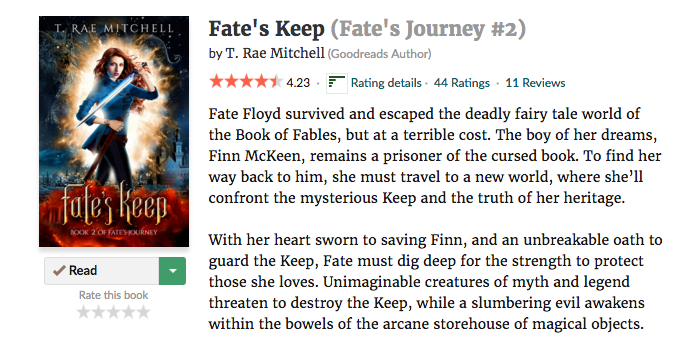
5. A new page will load. Scroll down to “My Review” and click on “add a review”.
6. Now copy-and-paste your Amazon review.


